AVN Library
A downloadable tool for Windows
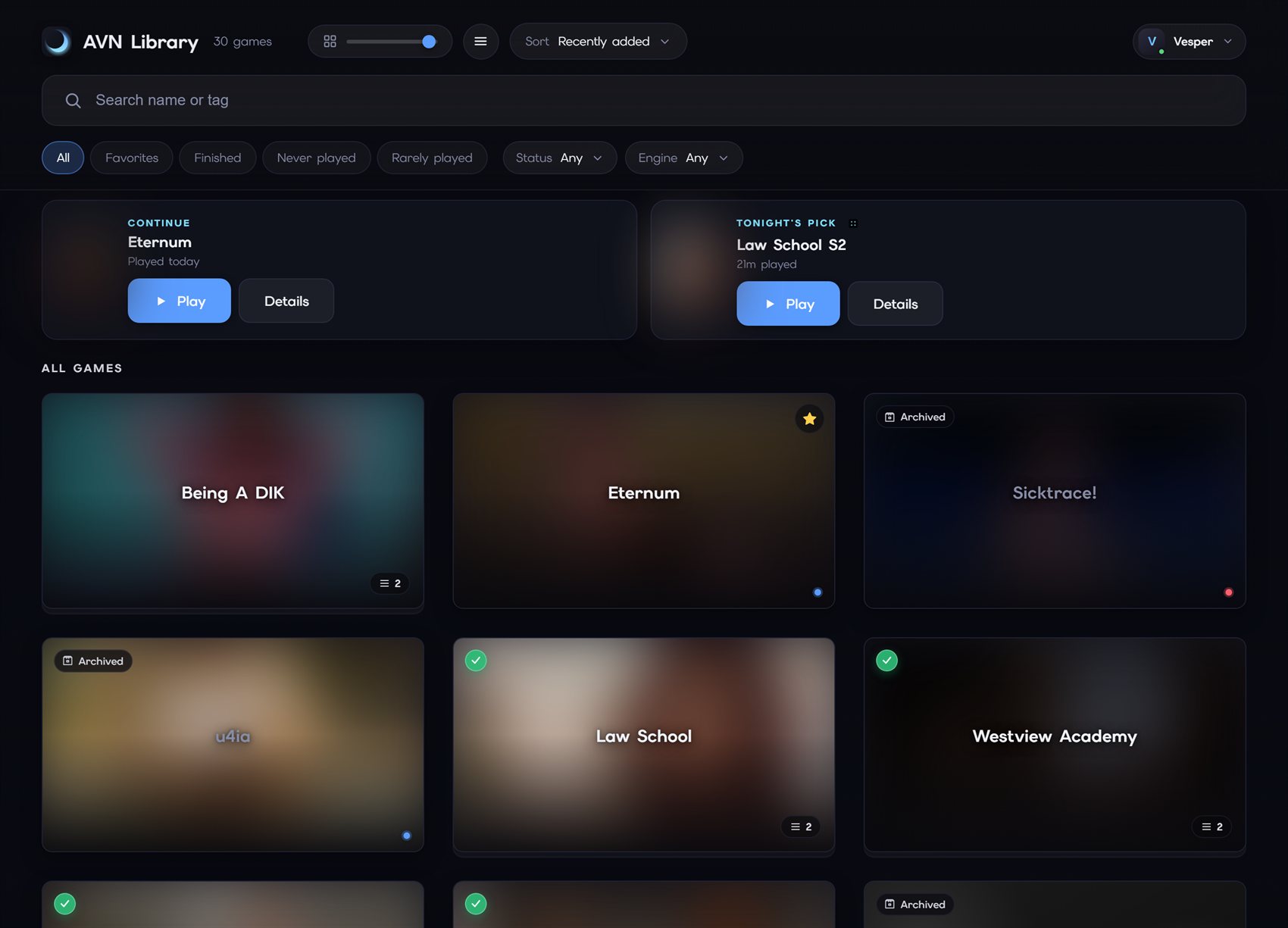
AVN Library is a free launcher for your visual novel collection. Point it at your folders and it finds every game automatically, then lets you launch any of them from one window while it tracks your playtime and keeps itself up to date.
I got tired of digging through folders to find what I wanted to play, so I built the thing I wanted: one clean window for the whole collection. It's free, and it works with games from any engine (Ren'Py and others) by launching the executable you already have.
What it does
- Auto-scans your folders and finds every game, no manual list to maintain
- Launches anything from one window and tracks playtime automatically
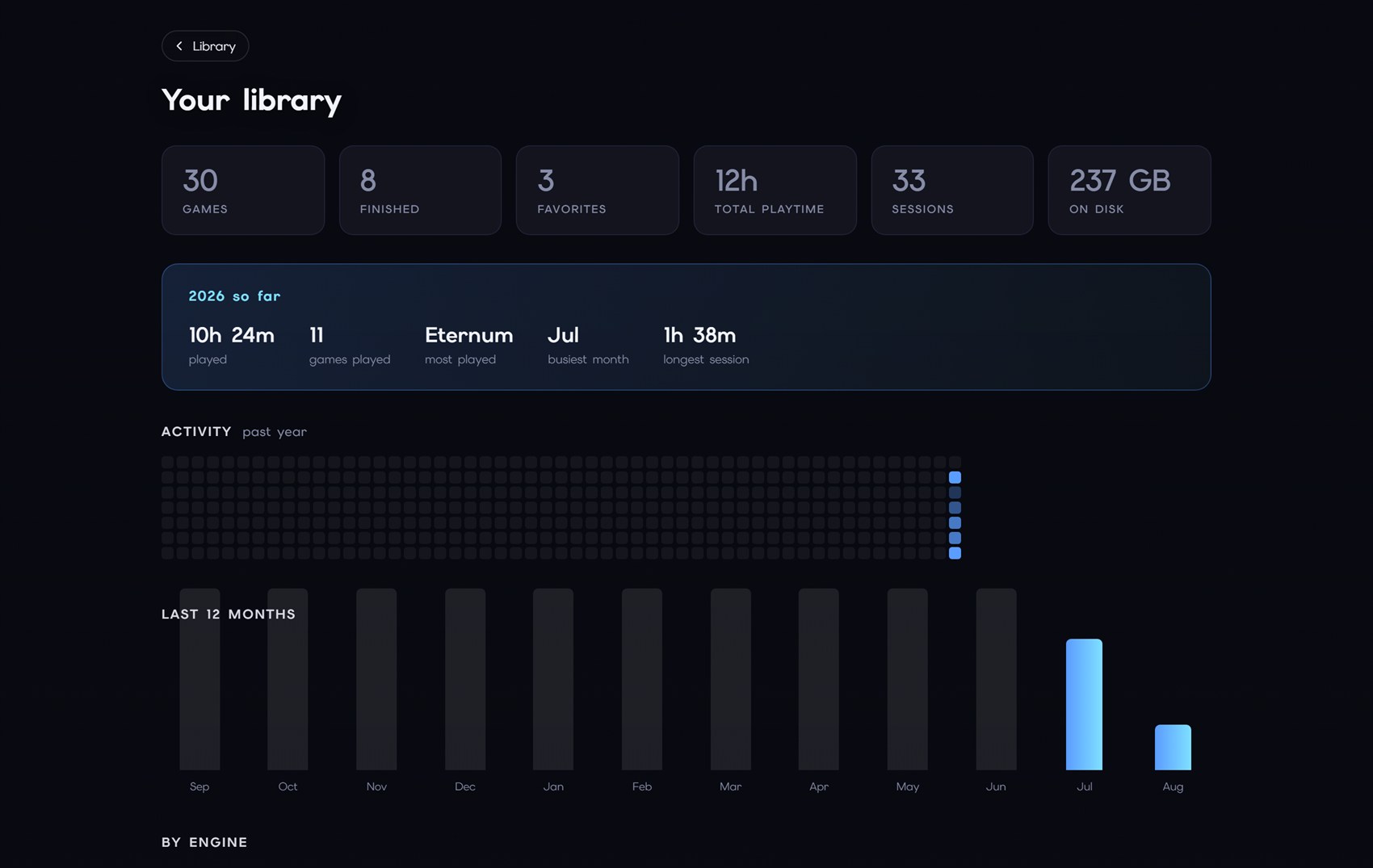
- Stats: total playtime, sessions, a year of activity, a per-month breakdown
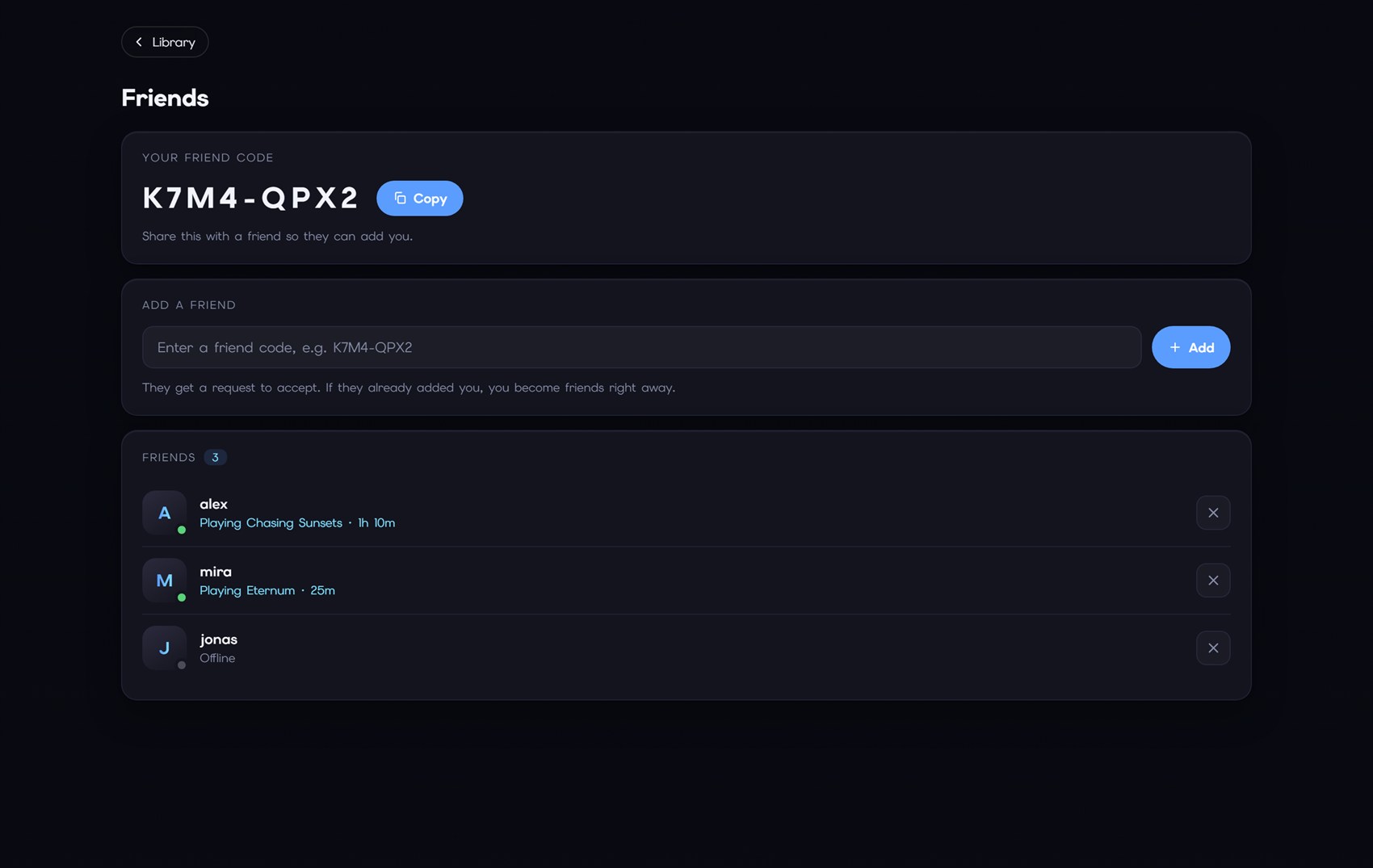
- Optional friends list so you can see who's online and what they're playing
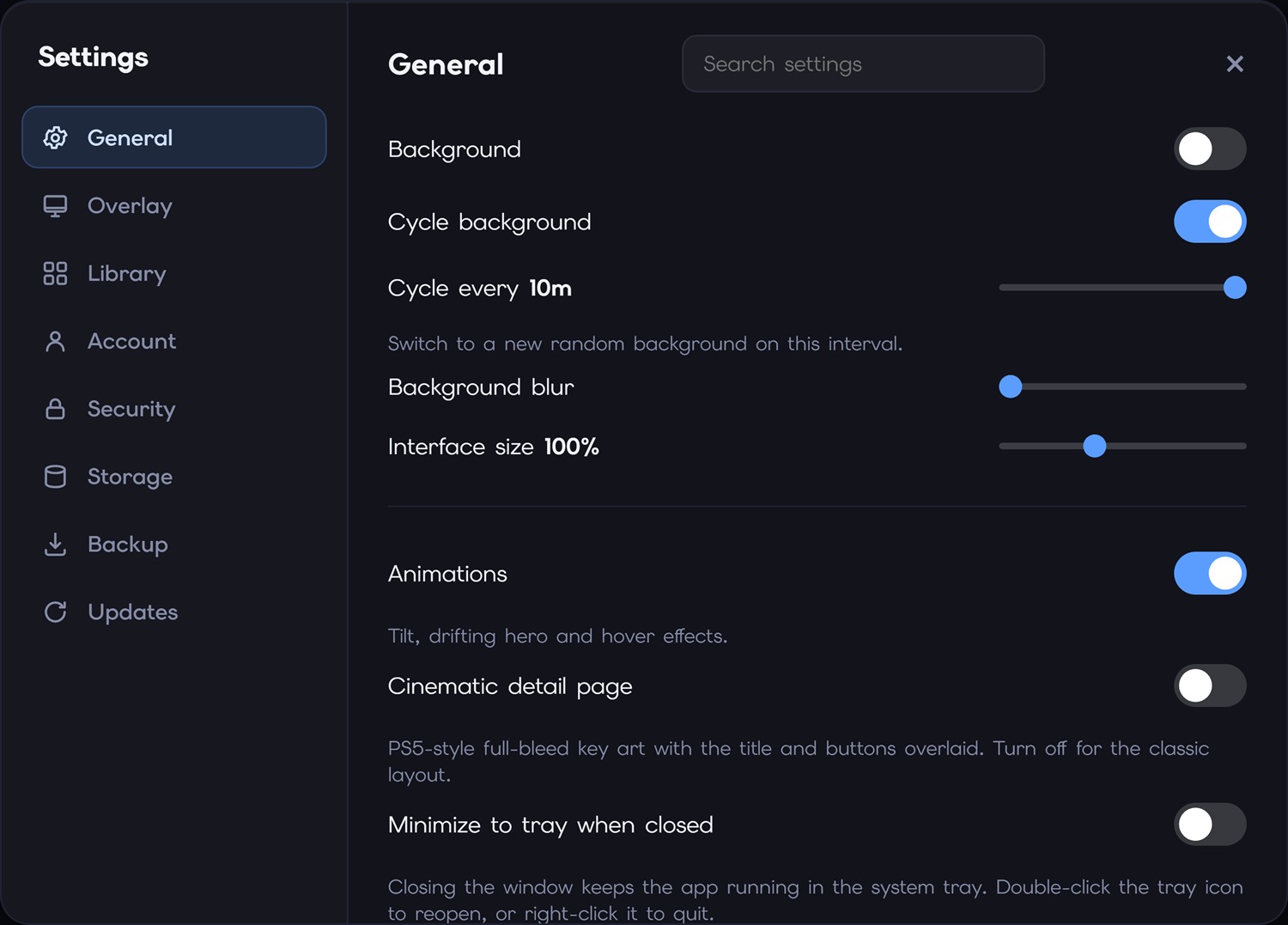
- Cycling backgrounds, an in-game overlay, backups, and a passcode lock
- Updates itself with one click
Private by design
Your library lives on your PC. It's local-first. Accounts are optional and only needed for the friends features, and signup is just a username and password, no email is ever stored or asked for.
Install
- Download the zip
- Extract the folder anywhere
- Run AVN Library.exe. Your games show up automatically.
Nothing to install, and no games are bundled. It's not code-signed yet, so Windows SmartScreen will show an "unknown publisher" warning the first time.
Click More info, then Run anyway. You can verify the download with the SHA-256 checksum on the site.
AVN Library only launches games you already own. It does not host, distribute, or link to any games, and it is not affiliated with their developers.
Site: https://avn.social
Discord: https://discord.gg/gHZZbWpbRn
Download
Install instructions
- Download the zip
- Extract the folder anywhere (Preferably where you store your avn's)
- Run AVN Library.exe. Your games show up automatically.
Leave a comment
Log in with itch.io to leave a comment.